
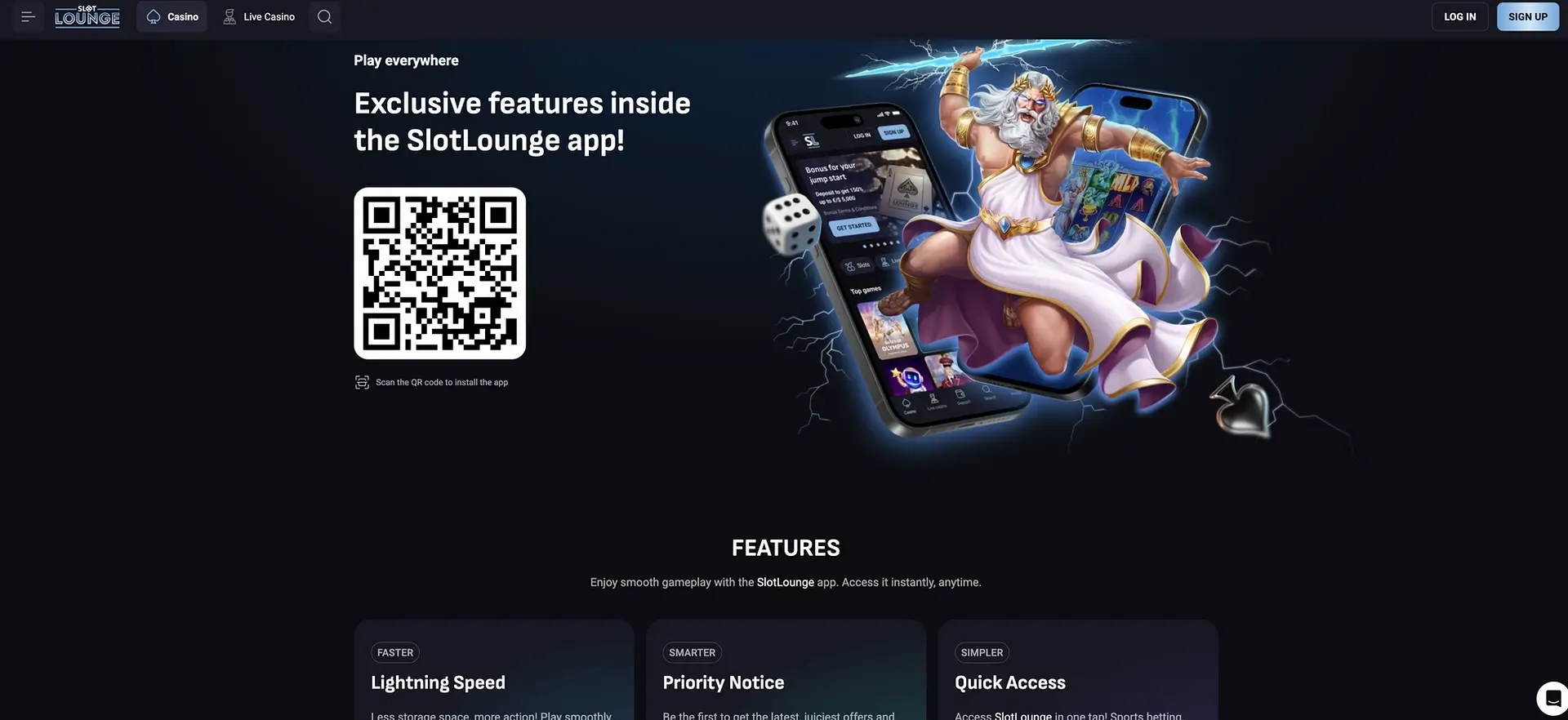
Plenty of casinos in this bracket have no app at all. Slotlounge does - it promotes an installable application on a dedicated page, complete with a QR code to scan and a pitch built around smaller storage use, priority offer alerts and one-tap entry. And if you'd rather not install anything, the whole platform runs in the mobile browser: same library, same live rooms, same AUD cashier, same bonuses.
So "does Slotlounge have an app" is a yes - with one thing to flag straight away. You install it by scanning a QR code from the Slotlounge site, not from the App Store or Google Play, which is standard for real-money gambling apps because the stores restrict them. That makes installing only from the official site important.
This page covers installing the app, reaching the site through the browser instead, what mobile gives you, how the AUD cashier behaves on a phone, and the security angle on installing a gambling app outside the stores.
| Point | Detail |
|---|---|
| App | Yes - installable via QR from the site |
| Install path | Scan the QR on the app page |
| Browser option | Full platform in any modern mobile browser |
| iOS | Browser plus a home-screen shortcut |
| Android | App install or browser |
| Games | Same as desktop |
| Live tables | Streamed on mobile |
| AUD cashier | Full, including card payouts |
| Bonuses | Welcome deal, reloads, boxes, wheels, code entry |
| App perks | Lighter storage, offer alerts, one-tap open |
| Account | Shared with the browser |
| Help | 24/7 chat |
Installing the app
The app page shows a QR code under the line "Exclusive features inside the Slotlounge app". Installing takes a few steps:
- Open the Slotlounge app page - on a desktop or a second device works well for scanning.
- Point your phone camera at the QR code.
- Follow the install prompt.
- On Android you may be asked to allow installing from your browser or from unknown sources - routine for anything outside Google Play.
- Open the app and sign in, or register.
Account, balance, bonuses and cashier all carry over between app and browser - nothing to set up twice.
Playing without installing
The browser is a full stand-in for anyone who'd rather skip the install:
- Open your mobile browser and go to Slotlounge.
- Let it load - the top bar folds into a menu and rows become swipeable.
- Log in or sign up, confirming AUD if you're registering.
- Optionally add the site to your home screen for one-tap access without the app.
Home-screen shortcut on iPhone
- Open Slotlounge in Safari.
- Tap Share (the square-and-arrow icon).
- Choose Add to Home Screen, then Add.
On iOS, where gambling apps are restricted in the App Store, this browser-plus-shortcut combination is the practical equivalent of an app.
What mobile gives you
- The whole lobby: Slots, Live Casino, New games, Bonus Buy, Instant Win, Jackpot, Hold & Win, Megaways, Table Games, Book Slots, with the Providers panel and search.
- Slots: the full BGaming, Betsoft, Booming Games, 1spin4win and NetGame catalogue.
- Jackpots: the progressive titles - Thunder Coins XXL, Coins of Ra Deluxe, 64 Gold Coins and the rest.
- Live rooms: roulette, blackjack, baccarat, poker and game shows from ICONIC21, Live Vegas and PLATI+.
- Cashier: the full Payments section in AUD - card deposits and card cash-outs included.
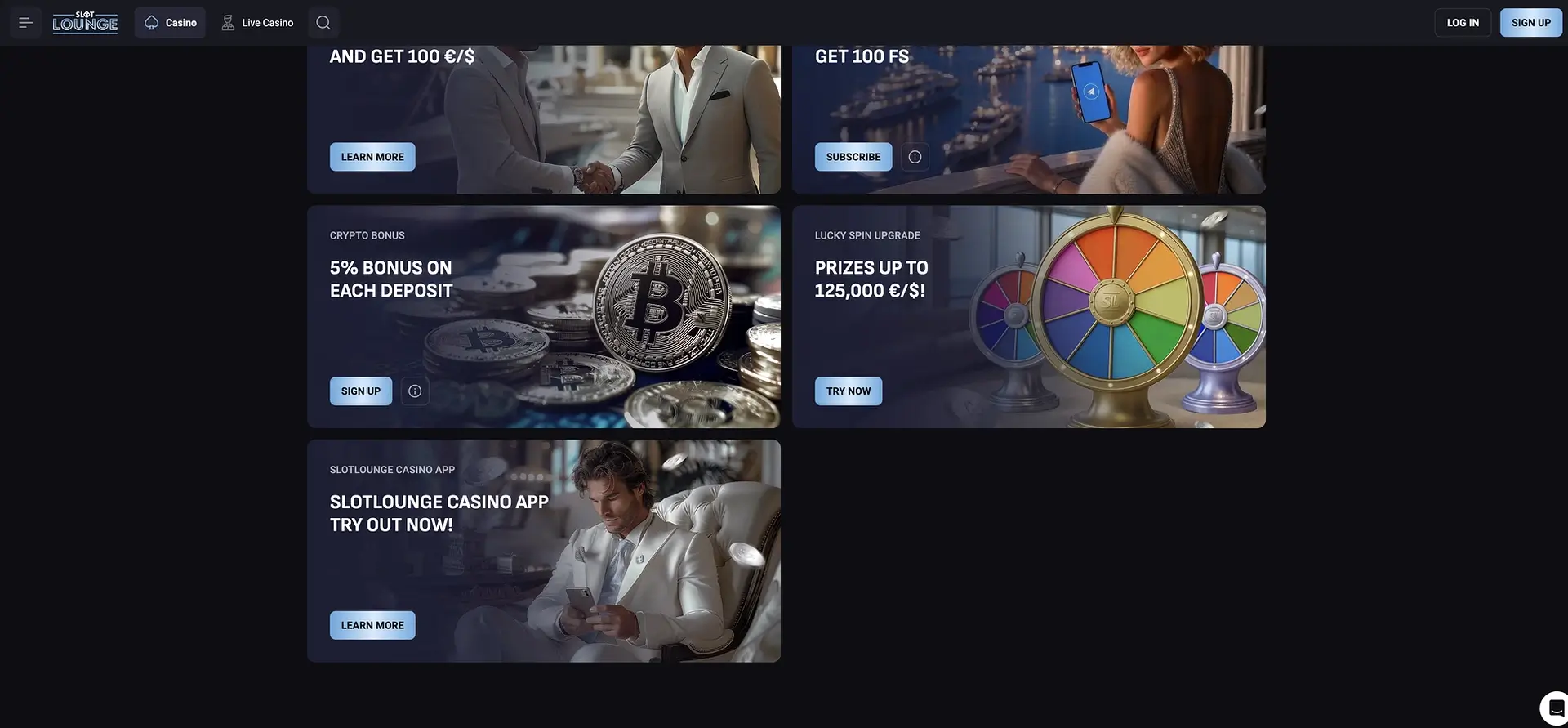
- Bonuses: the four-part welcome deal, the weekly reload rota, Lucky Box, Lucky Spin and code entry.
- Tournaments: entry with countdowns and leaderboards.
- Loyalty: CP and RCP counters, level progress, the Bonus Shop.
- Support: chat anchored on every screen.
Getting mobile play right
- Use Wi-Fi for live tables. Streams eat bandwidth and betting windows close on the dealer's clock, whatever your signal.
- Shut background apps before a live session to stop stutter on older phones.
- Keep the app or browser current for smooth streaming.
- Mind your data - live play burns far more than slots.
- Type codes carefully - the welcome and reload codes are case-specific and keyboards auto-capitalise.
Paying and cashing out in AUD on mobile
Nothing about the cashier is cut down on a phone - same methods, same limits, all fee-free.
| Method | Way | Min | Speed |
|---|---|---|---|
| Visa / Mastercard | In and out | 20 €/$ | In instant, out 1-3 banking days |
| Apple Pay / Google Pay | In and out | 20 €/$ | Instant |
| Bank Transfer | In and out | 20 in / 100 out | In instant, out 3-5 banking days |
| Neosurf / Paysafecard | In and out | 20 €/$ | Instant |
| Crypto (BTC, ETH, USDT, LTC, DOGE, BCH) | In and out | Per coin | Instant |
| MiFinity / eZeeWallet / Postepay | In and out | 20 €/$ | Instant |
The handy part on mobile is that card cash-outs work, so a card depositor can withdraw to the same card without setting up anything else. Card and bank payouts run on banking days; wallets and crypto clear instantly at the cashier stage.
Security on mobile and the app
Because the app installs outside the stores, a few habits count for more:
- Install only from the official site. Scan the QR from the real app page, never from a link in a message or a third-party page. Any "Slotlounge app" file or code from elsewhere is unsafe.
- Lock your phone screen. A saved session behind an unlocked phone means anyone holding it reaches your balance.
- Avoid public Wi-Fi for the cashier.
- Protect your Google account if you signed up through Google.
- Finish verification - a verified account is far harder to withdraw from.
- Sign out on shared devices rather than just closing the app.
For Australian players
- Check the currency reads AUD at sign-up - it sets your limits and can't easily change later.
- The app is Android via QR; iPhone users get the same via browser and a home-screen shortcut.
- Card cash-outs are a genuine plus on mobile - most rivals don't offer them.
- Mobile play is 18+.
- Gambling Help Online is free and 24/7 on 1800 858 858.
Questions players ask
Is there a Slotlounge app?
Yes - an installable app promoted on a dedicated page with a QR code to scan. The full platform also runs in the mobile browser.
How do I install it?
Scan the QR on the Slotlounge app page and follow the prompt. On Android you may need to allow installation from your browser - routine outside Google Play. Only install from the official site.
Is there an iPhone app?
Gambling apps are restricted in the App Store, so iOS players use the browser, optionally adding a home-screen shortcut that opens like an app.
Fewer games on mobile?
No - app and browser share the same catalogue, cashier and bonuses.
Can I bank in AUD on mobile?
Yes - full cashier including card deposits and, unusually, card cash-outs. Card and bank payouts run on banking days; wallets and crypto are instant at the cashier stage.
Is the app safe to install?
Only if you scan the QR from the official Slotlounge site. Files or codes elsewhere are unofficial. Pair it with a phone lock and completed verification.
Do I update it manually?
The browser updates itself on the next load. For the app, follow in-app update prompts, and keep the phone browser current for streaming.